

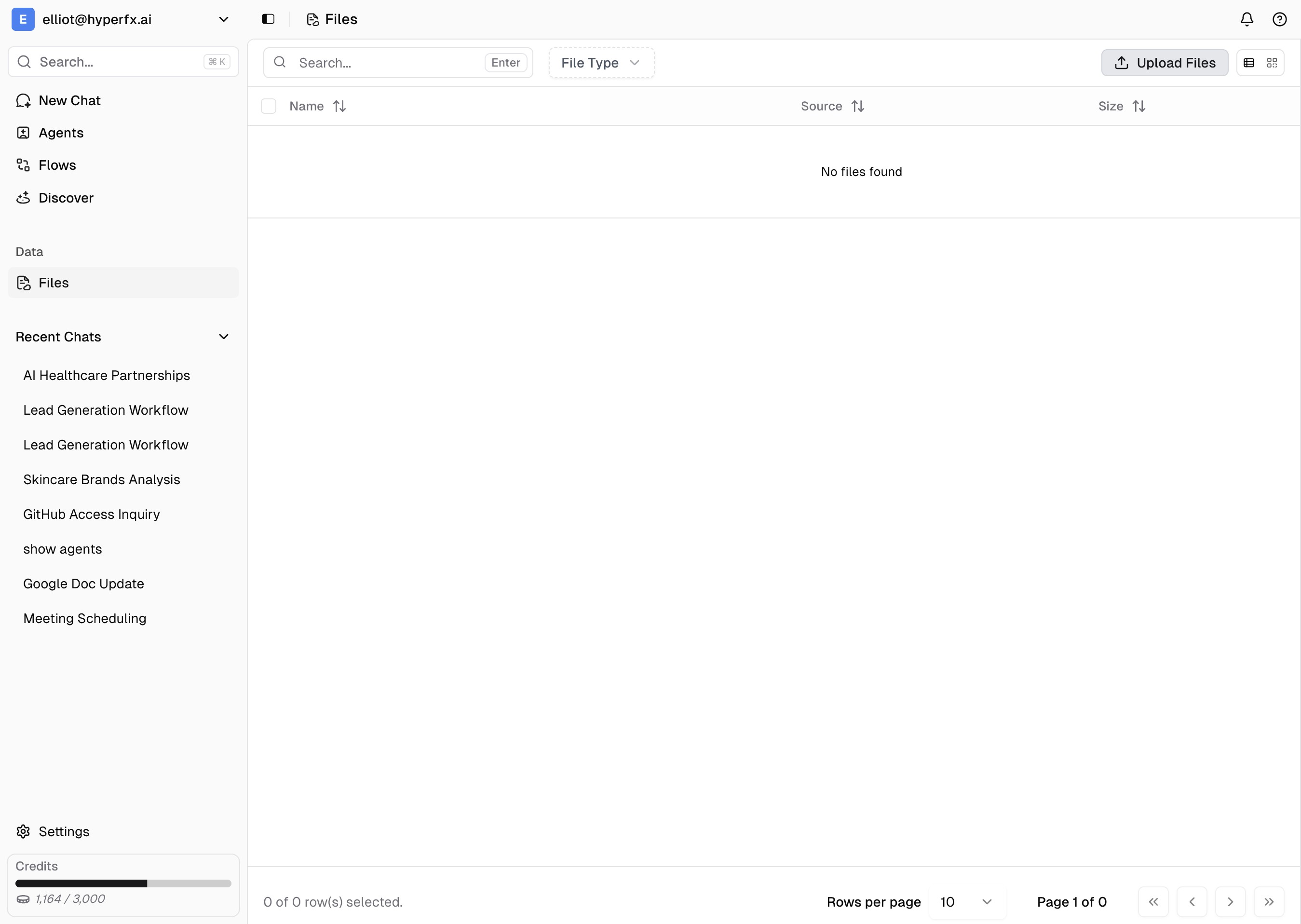
File Storage and Access
Your central file repository for uploads and generated content. Navigate to https://app.hyperfx.ai/files to manage all your files in one place.File Management
Upload Files - Drag and drop or click to upload documents, images, spreadsheets, and other files to your workspace. Generated Content - All content generated during workflows (images, reports, analysis, etc.) is automatically saved here. File Access - Tell your agent to access your files using the File Management system tool in both chat and workflows.Using Files with Agents
In Chat - Enable the File Management system tool and ask your agent to “access my uploaded files” or “process the document I uploaded.” In Workflows - Use the File Management tool in automated workflows to process files, extract data, or generate reports. File Processing - Agents can read, analyze, convert, and manipulate your files based on your instructions.File Organization
Files are organized with list and grid view options, showing file type, source, size, and modification date. Use the search and filter features to quickly find specific files.Next Steps
- Learn about system tools to understand File Management capabilities
- Explore app integrations to connect your tools
- Create workflows that process and manage files